Saving a Reading
The program lets you save the card positions at any time as a Reading, to share with someone else or to keep for your own reference. Although you can do this at any time it will most likely be after you have laid out a spread, when each card is accompanied by its own notes and the notes for its position in the spread. To save a reading press the "Create New Reading" button or press F3.
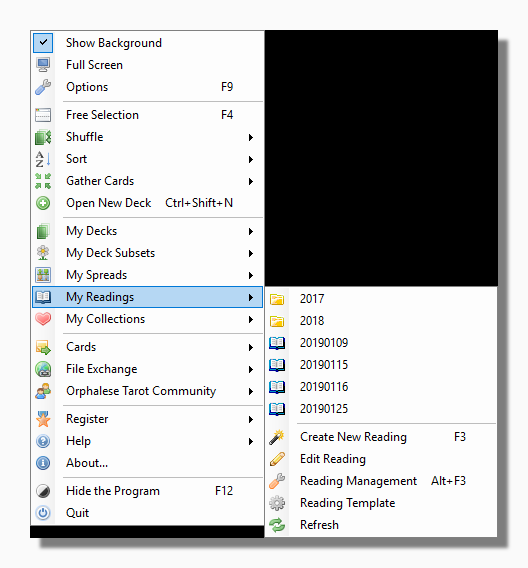
The program then opens the Reading Wizard which lets you combine the two sets of reference notes to record your own impressions and conclusions about each card in its position, its relation to the others and for the reading as a whole.
The reading is saved using the program's own format with a .reading file extension in the Readings Folder. Opening a .reading file on your computer opens the Orphalese Tarot and lays out the reading in question. The Reading Wizard also helps you to share the reading with other users via email or by exporting it to a Rich Text formatted file that can be edited by Word or similar programs.